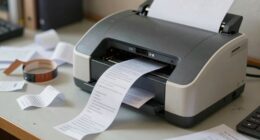
When choosing a thermal label printer, focus on high print quality with sharp resolution and durable ink or thermal options. Make certain it supports your preferred label sizes and materials, whether paper or synthetic. Take into account your workflow—opt for wired or wireless connectivity based on your environment. Look for fast speeds suited to your volume, easy setup, and manageable costs for consumables and maintenance. Supporting your specific label types ensures versatility—if you keep exploring, you’ll discover more key features to consider.
Key Takeaways
- Ensure the printer offers high resolution (DPI) and quality ink or thermal printing for clear, durable labels.
- Confirm compatibility with your required label sizes, materials, coatings, and adhesive types.
- Check connectivity options (Wi-Fi, Ethernet, USB) to match your workflow and device compatibility.
- Evaluate print speed and ease of maintenance to support efficient, long-term operation.
- Verify support for specific label formats and flexibility for different shapes, sizes, and environmental conditions.
What Are the Key Print Quality Features to Look For?
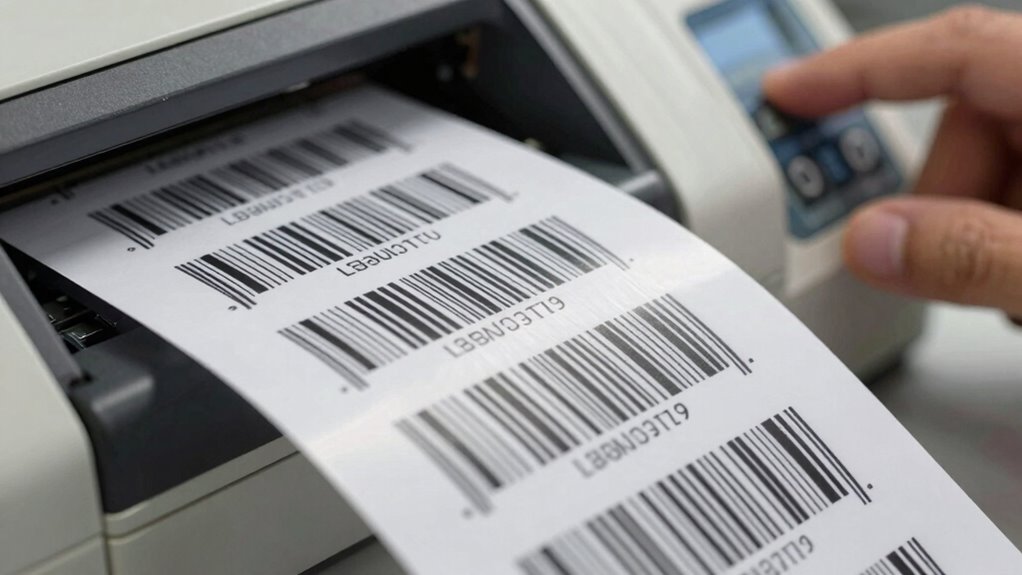
When evaluating a thermal label printer, understanding the key print quality features is crucial to guarantee your labels are clear and professional. The print resolution determines how sharp and detailed your labels will be, so look for a high DPI (dots per inch) rating for crisp text and images. Ink quality also plays an essential role; it affects durability and readability. A printer with consistent ink quality ensures your labels won’t smudge, fade, or peel prematurely. Pay attention to how well the printer reproduces fine lines and small fonts, which depends on its resolution and ink application. High-quality print resolution combined with excellent ink quality results in professional-looking labels that effectively communicate your information and withstand environmental factors. Additionally, print quality features directly influence the reliability and longevity of your labels over time. Proper maintenance and selecting the right material compatibility also contribute to achieving optimal print results and durability. Recognizing the importance of print consistency can help in maintaining high standards across batches of labels, ensuring uniformity and professionalism. Furthermore, understanding the printing technology used can impact the overall quality and efficiency of your labeling process.
Which Connectivity Options Are Essential for Your Workflow?
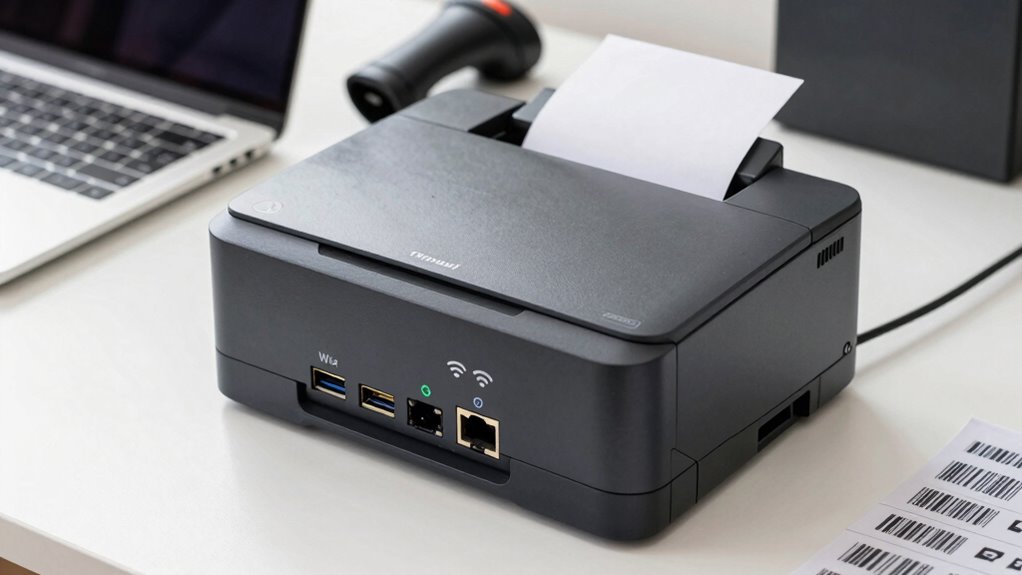
Choosing the right connectivity options can streamline your workflow and improve efficiency. Consider whether wireless or wired connections suit your setup, and make certain the printer is compatible with your devices. Also, check the speed and data transfer capabilities to ensure smooth, quick printing. Additionally, understanding the available port options can help you select a printer that integrates seamlessly with your existing system. It’s also important to verify if the printer supports user consent management features to maintain privacy and comply with data handling preferences. A thorough understanding of digital concepts involved can further optimize your setup and long-term use. Being aware of the wearable tech principles related to data security can help you choose a printer that aligns with your privacy needs. Furthermore, considering the storage and backup solutions available can safeguard your data and ensure reliable operation of your printing setup.
Wireless vs. Wired Options
Deciding between wireless and wired connectivity options hinges on your workflow’s specific needs and environment. Wireless printers offer flexibility, allowing you to print from multiple devices without physical connections, but may have limitations in battery life and can generate more noise levels during operation. Wired options provide a stable, secure connection, often resulting in lower noise levels and consistent performance, especially in high-volume settings. Consider the following:
- Battery life: Wireless printers rely on batteries, so check how long they last under typical use.
- Noise levels: Wired printers tend to operate more quietly, which can be important in quiet workspaces.
- Setup complexity: Wireless setups may require more initial configuration.
- Mobility needs: Wireless models are ideal if you need portability or printing from various locations.
- Environmental considerations: Incorporating natural landscaping and sustainable practices in your workspace can complement a wireless setup and promote an eco-friendly environment.
- Additionally, understanding the power sources and their impact on performance can help you select the most suitable printer for your needs.
Compatibility With Devices
Once you’ve considered whether wireless or wired options suit your environment, the next step is to guarantee the printer can seamlessly connect to your existing devices. Device integration and software compatibility are essential. Confirm the printer supports your operating systems and integrates smoothly with your inventory or POS software. Compatibility issues can cause delays or errors, so verify supported connection types and software versions. Additionally, ensuring the printer aligns with traditional Indonesian decor principles can enhance the aesthetic appeal of your workspace. Being aware of golf heritage and women’s LPGA milestones can also inspire a sense of excellence and tradition in your setup, reflecting a commitment to quality. Recognizing the latest technology trends in printers can further ensure your investment remains relevant and efficient over time. To improve long-term satisfaction, consider how well the device adapts to your operational style, which can vary based on specific business environments.
Speed and Data Transfer
The speed of data transfer directly impacts your workflow efficiency, especially in high-volume environments. Fast, reliable connectivity guarantees labels print without delays, reducing downtime. Look for printers with multiple connectivity options, such as USB, Ethernet, or Wi-Fi, to suit your setup. Consider if the printer offers color options for different label types or status indicators, which can streamline operations. Noise levels matter too—quieter printers minimize disruptions in busy workplaces.
- Multiple connectivity options (USB, Ethernet, Wi-Fi)
- Fast data transfer rates for high-volume printing
- Availability of color options for labels and status indicators
- Low noise levels for a quieter work environment
How Fast Should Your Thermal Label Printer Be?
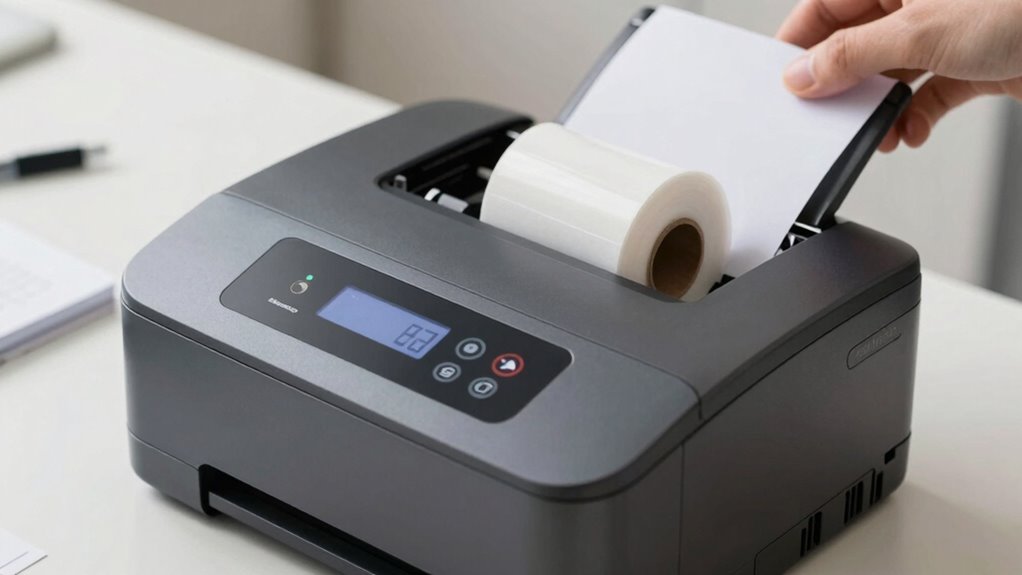
Understanding how fast your thermal label printer needs to be is essential for keeping your workflow smooth. The key factor is the print speed, usually measured in inches per second (IPS). If you handle high volumes daily, look for a printer with a higher throughput capacity to match your demands. For example, a printer with a print speed of 6-8 IPS is suitable for moderate use, while 12+ IPS works for heavy-duty environments. Consider your typical label size and order volume to determine the right balance. Faster printers reduce wait times and increase efficiency but may come at a higher cost. Choose a printer that aligns with your production pace, ensuring you don’t experience bottlenecks or delays. Additionally, understanding the market trends and news related to printing technology can help you select a model that remains reliable and cost-effective over time. Staying informed about printing technology advancements can also guide you toward future-proof choices that adapt to evolving business needs, especially as AI-driven innovations continue to shape industrial equipment. Moreover, keeping an eye on connected device integration can ensure your printer seamlessly fits into your smart workflow. It’s also wise to consider maintenance requirements to keep your printer operating at peak performance over its lifespan.
What Label Sizes and Formats Does Your Business Require?

To choose the right thermal label printer, you need to ensure the label sizes your business uses most often and whether the printer supports those dimensions. Make certain it offers format flexibility options so you can adapt to different label types as your needs evolve. Compatibility with your preferred label formats ensures smooth printing without costly adjustments. Additionally, understanding SWIFT/BIC codes can help you verify the legitimacy of suppliers or vendors when sourcing new equipment or supplies. Being aware of seasonal demand fluctuations can also influence the type and volume of labels you may need to print throughout the year. Incorporating cookie management capabilities can further optimize your printing operations by enhancing security and user customization options. Considering large number conversions can assist in managing inventory and sales data more effectively, especially when dealing with extensive product catalogs.
Compatible Label Dimensions
Choosing a thermal label printer requires knowing the label sizes and formats your business needs. Ensuring compatibility helps avoid costly mistakes and streamlines operations. Consider the following factors:
- Label material: Different materials, like paper or synthetic, impact durability and compatibility.
- Adhesive strength: Select labels with appropriate adhesive strength for your application, whether for temporary or permanent bonds.
- Size options: Verify that the printer supports your required label dimensions, from small shipping labels to larger product tags.
- Format compatibility: Confirm the printer handles various formats to accommodate your specific business needs without requiring frequent replacements.
Format Flexibility Options
Selecting a thermal label printer that offers flexible format options guarantees it can handle the various sizes and shapes your business requires. Look for printers that support multiple label formats and adjustable settings to accommodate different dimensions easily. This flexibility guarantees you can print everything from small product labels to larger shipping tags without hassle. Consider whether the printer offers color options for enhanced branding or visual cues, which can improve label visibility and aesthetic design. A versatile printer also adapts to future needs, saving you from frequent upgrades. Confirm it supports the label sizes you currently use and those you anticipate using later. By choosing a printer with these features, you’ll streamline your labeling process and maintain consistency across various applications.
Is the Printer Easy to Set Up and Use Daily?
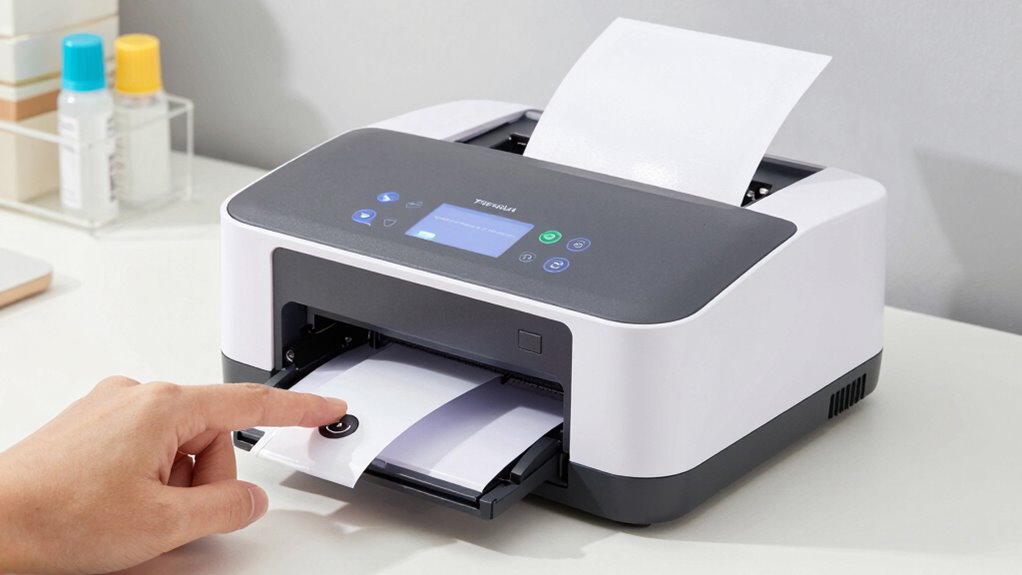
Ensuring your thermal label printer is easy to set up and use daily can save you time and frustration. A straightforward user interface makes operation simple, even if you’re new to the device. Look for printers with clear instructions and intuitive controls to minimize setup time. Good customer support is also crucial, offering quick assistance if issues arise.
Consider these factors:
- User interface: Is it simple and easy to navigate?
- Setup process: Does it require minimal steps?
- Compatibility: Does it work seamlessly with your existing software?
- Customer support: Are help resources readily available and responsive?
Choosing a printer with these features ensures smooth daily use, reducing downtime and maximizing productivity.
What Are the Costs of Consumables and Maintenance?
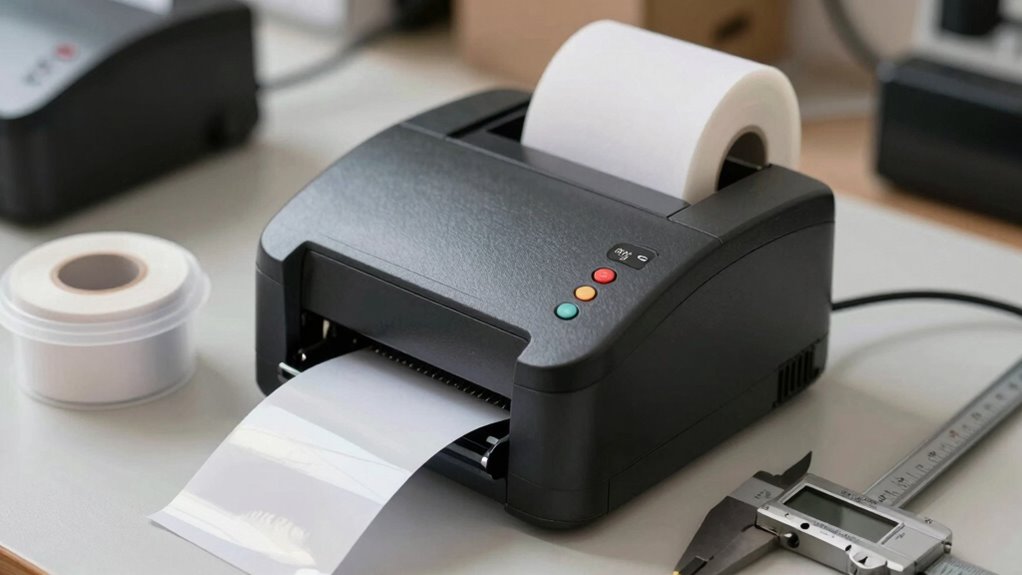
Understanding the costs of consumables and maintenance is essential to managing your budget effectively. While thermal label printers typically don’t require ink cartridges, some models may use ribbons or special media that add to ongoing expenses. Check the availability and price of these supplies before purchasing. Additionally, consider power consumption, as some printers use more energy during operation, which can increase your utility bills over time. Maintenance costs, such as replacing print heads or cleaning components, also vary by model. Investing in a printer with low power consumption and affordable consumables helps keep ongoing costs manageable. Being aware of these factors guarantees you choose a model that aligns with your budget and minimizes unexpected expenses down the line.
Does the Printer Support Your Specific Label Types?
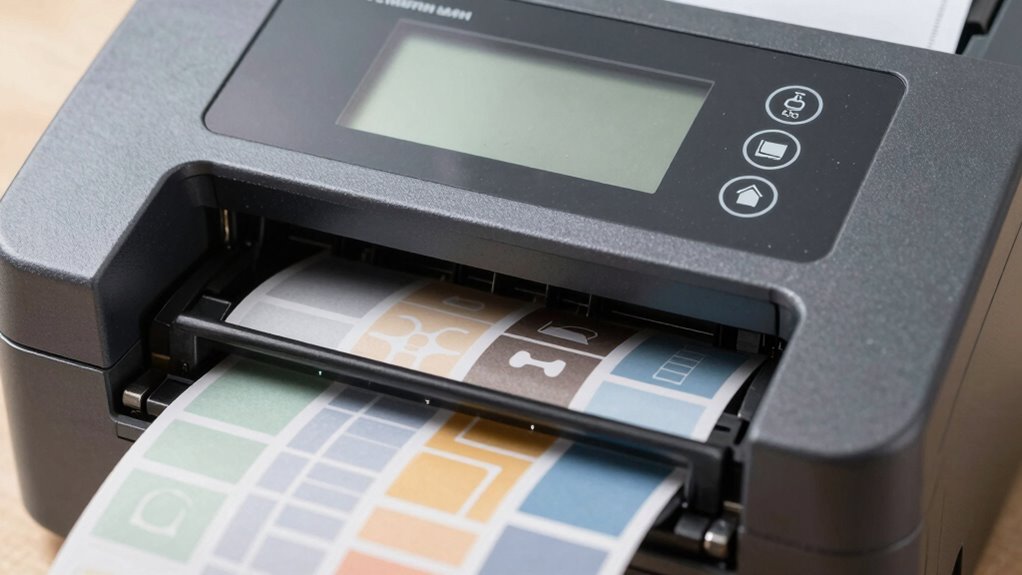
Before choosing a thermal label printer, it’s essential to verify that it can handle the specific label types you need. Different applications require various label materials and print durability levels. Check if the printer supports the label material you plan to use, such as paper, polyester, or vinyl, to guarantee compatibility. Consider whether the printer can produce labels with the necessary print durability, especially for outdoor or industrial environments.
- Compatibility with your preferred label material for ideal print quality
- Ability to handle different label sizes and shapes
- Support for high or low adhesive strength labels
- Flexibility to print on labels with varying thicknesses and coatings
Frequently Asked Questions
Can the Printer Handle High-Volume Printing Efficiently?
Yes, your thermal label printer can handle high-volume printing efficiently if it offers a fast printing speed, reducing downtime. Look for models designed for continuous use, with high label durability to withstand frequent handling. An efficient printer minimizes jams and errors, ensuring smooth operation during busy periods. Always verify that the printer’s specifications meet your volume needs, so you won’t experience delays or compromised label quality.
What Security Features Are Available to Protect Sensitive Data?
You might think your data’s safe, but what if it’s not? Thermal label printers with advanced security features keep your sensitive information protected. Look for data encryption that secures your data during transmission and storage. Make certain the printer offers user access controls, so only authorized personnel can operate or configure it. These features create a barrier against breaches, giving you peace of mind that your data remains confidential and secure.
Is the Printer Compatible With Existing Inventory Management Software?
You need to check if the thermal label printer is compatible with your existing inventory management software. Look for features like seamless software integration, which guarantees smooth data exchange, and verify that it supports your software’s platform. Also, consider data security measures during integration to protect sensitive info. Compatibility guarantees efficient operation and prevents disruptions, making it a vital factor before making your purchase.
What Are the Warranty and Customer Support Options?
Did you know 90% of customers say prompt customer service influences their satisfaction? When choosing a thermal label printer, check the warranty coverage and customer service options. A solid warranty protects your investment, covering repairs or replacements. Good customer service ensures quick assistance if issues arise. Opt for brands known for responsive support, so you can confidently rely on your printer, knowing help is just a call or email away whenever you need it.
How Energy-Efficient Is the Thermal Label Printer?
You should consider the thermal label printer’s energy consumption and eco-friendly design. Look for models with low energy use, which helps save on electricity bills and reduces environmental impact. An eco-friendly design features energy-efficient components and sustainable materials. By choosing a printer with these features, you guarantee it runs efficiently, minimizes power waste, and supports your eco-conscious efforts without compromising performance.
Conclusion
Choosing the right thermal label printer can transform your workflow and boost efficiency. Have you considered all these features to guarantee it meets your needs today and as you grow? Don’t settle for less—invest in a printer that offers quality, speed, and ease of use. After all, isn’t your business worth the best tools to succeed? Make an informed decision and watch your operations thrive.