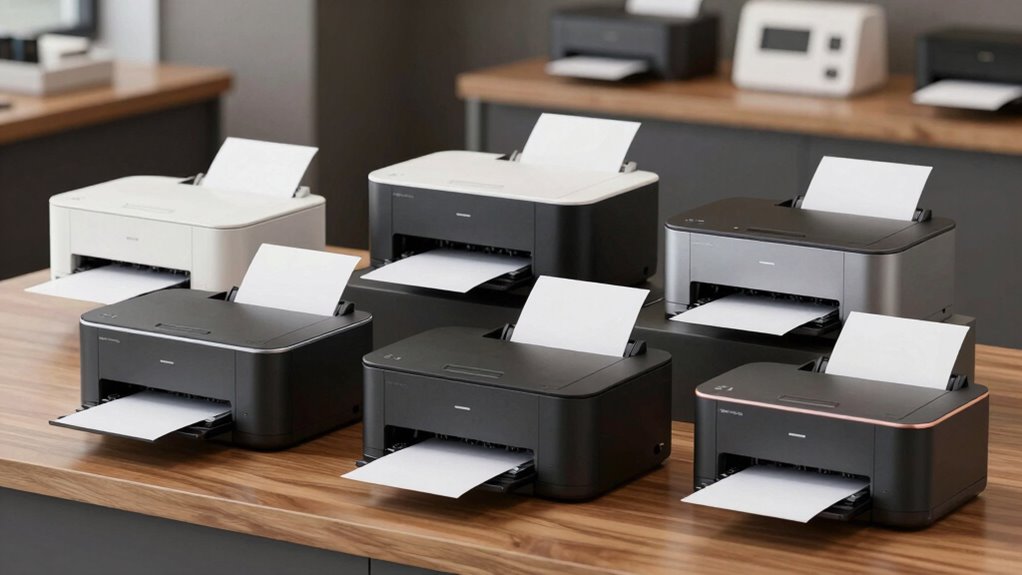

Choosing the right receipt printer for Square can significantly impact your checkout efficiency. Whether you run a retail shop, restaurant, or food truck, your priorities might be speed, connectivity, or ease of use. Here, I’ve highlighted five options, starting with the Epson TM-T20IV for its versatile connectivity, and the Star Micronics TSP143IIIU for its user-friendly setup. Each has tradeoffs—some excel in speed, others in connectivity or durability—so I’ll help clarify which fits different needs best.

Get business pricing on office and shipping supplies
- Business-only prices and quantity discounts
- Tax-exempt purchasing
- Multiple users, one account, clear invoices
Key Takeaways
- Fast printing speeds are common, but connectivity options vary widely, affecting setup flexibility.
- USB-only models tend to be simpler but may limit future expansion or wireless use.
- Multi-interface printers like LAN and Bluetooth add versatility but can be more complex to configure.
- Durability and consumable costs differ; some models require frequent paper changes, others are built for longevity.
- Compatibility with Square is generally reliable, but some printers work best with specific setups or accessories.
| Epson TM-T20IV Thermal Receipt Printer C31CL47022, USB Ethernet Serial, 310 mm/s, Auto Cutter, 80mm Paper, Energy Star |  | Best Overall for Versatile Connectivity and Speed | Print Speed: 310 mm/s | Paper Width: 80mm | Connectivity: USB, Ethernet, Serial | VIEW ON AMAZON | See Our Full Breakdown |
| Star Micronics TSP143IIIU USB Thermal Receipt Printer with Auto-cutter and Internal Power Supply |  | Best for Ease of Use and Quick Setup | Printer Type: Thermal | Output Type: Monochrome | Features: Auto-cutter, Internal Power Supply | VIEW ON AMAZON | See Our Full Breakdown |
| Epson TM-T20III Monochrome Thermal POS Printer |  | Best for Durability and Square Compatibility | Printer Type: Thermal | Color: Monochrome | Print Speed: up to 250 mm/sec | VIEW ON AMAZON | See Our Full Breakdown |
| Vretti Thermal Receipt Printer, 3 1/8″ 80mm Direct Thermal Printer |  | Best for Versatile Multi-Interface Setup | Paper Width: 80mm | Print Speed: 260mm/sec | Auto Cutter: Partial, 1.5 million cuts | VIEW ON AMAZON | See Our Full Breakdown |
| NETUM NT-861 Bluetooth Thermal Receipt Printer, 80mm POS Printer with Auto Cutter |  | Best for Wireless Flexibility and Speed | Print Width: 80mm | Print Speed: 260mm/sec | Interfaces: USB, LAN, Bluetooth | VIEW ON AMAZON | See Our Full Breakdown |
| receipt printers compatible with square | Print Speed | Connectivity | Auto Cutter |
|---|---|---|---|
| Epson TM-T20IV Thermal Receipt | 310 mm/s | USB, Ethernet, Serial | Yes |
| Star Micronics TSP143IIIU USB | — | — | — |
| Epson TM-T20III Monochrome The | up to 250 mm/sec | USB | — |
| Vretti Thermal Receipt Printer | 260mm/sec | USB, serial, LAN | Partial, 1.5 million cuts |
| NETUM NT-861 Bluetooth Thermal | 260mm/sec | — | Yes |
More Details on Our Top Picks
Epson TM-T20IV Thermal Receipt Printer C31CL47022, USB Ethernet Serial, 310 mm/s, Auto Cutter, 80mm Paper, Energy Star
The Epson TM-T20IV stands out for its impressive print speed of 310 mm/s, making it ideal for high-volume environments. It offers multiple connectivity options—USB, Ethernet, and serial—allowing seamless integration with most POS systems, including Square. Compared with simpler USB-only models, this printer provides greater flexibility, especially for setups requiring network access or multiple devices. Its Energy Star certification and eco-friendly features add to long-term cost savings, though the setup can be slightly more involved due to multiple interfaces. The compact design suits a variety of retail or restaurant counters, but the need for different cables and configuration can be a hurdle for less tech-savvy users. Overall, a reliable, high-performance choice for busy venues.
Pros:- High-speed printing at 310 mm/s reduces customer wait times
- Multiple connectivity options for flexible integration
- Eco-friendly with Energy Star certification
- Compact, durable design suitable for busy environments
Cons:- Requires setup for multiple interface connections
- Limited to 80mm paper rolls, which may need frequent replacement
Best for: Retailers or restaurants needing high-speed printing with flexible connectivity
Not ideal for: Small businesses seeking a plug-and-play solution without network setup
- Print Speed:310 mm/s
- Paper Width:80mm
- Connectivity:USB, Ethernet, Serial
- Auto Cutter:Yes
- Energy Star Certified:Yes
- Dimensions:5.5″ × 7.8″ × 5.7″
Our verdict“A versatile, fast printer that handles demanding environments well, but setup complexity may be a barrier for some.”
Star Micronics TSP143IIIU USB Thermal Receipt Printer with Auto-cutter and Internal Power Supply
The Star Micronics TSP143IIIU is designed for simplicity. Its ‘Drop-In and Print’ paper loading makes it exceptionally easy to set up, especially for small or busy businesses that need fast deployment. It offers a solid print speed of 43 receipts per minute, suitable for average retail or hospitality needs. Compared with network-capable printers, this model keeps things straightforward with USB connectivity only, making it less flexible for future upgrades but very reliable for immediate use. Its internal power supply reduces clutter on the counter, and compatibility with iOS, Android, and Windows broadens its usefulness. However, it falls short for those needing wireless or Ethernet connections—limiting its adaptability. It’s best for shops prioritizing simplicity and quick setup over network capabilities.
Pros:- Fast printing at 43 receipts per minute
- Easy ‘Drop-In’ paper loading system
- Internal power supply saves space
- Compatible with multiple OS platforms
Cons:- Limited to USB connection, no network options
- No wireless or Ethernet support
Best for: Small retail or food service outlets seeking hassle-free installation
Not ideal for: Businesses that require wireless or Ethernet connectivity
- Printer Type:Thermal
- Output Type:Monochrome
- Features:Auto-cutter, Internal Power Supply
- Weight:3.8 pounds
- Dimensions:5.59″D x 8.03″W x 5.2″H
- Controller Type:iOS
Our verdict“Ideal for startups or small venues prioritizing quick setup and reliability over advanced connectivity.”
Epson TM-T20III Monochrome Thermal POS Printer
The Epson TM-T20III offers a reliable choice for retail environments where durability matters. Its print speeds of up to 250 mm/sec strike a balance between speed and reliability, with a high-duty auto-cutter rated for 1.5 million cuts. Designed specifically for Square, it connects via USB, making it straightforward to set up with Square Stand or Square Register. While it lacks wireless or Ethernet options—limiting flexibility—it excels at providing a durable, high-volume performance for those committed to a USB-only setup. The limited sheet capacity of a single sheet at a time means more frequent paper changes in busy settings, but its high durability compensates for this. This model makes the most sense for businesses that prioritize longevity and compatibility over wireless features.
Pros:- Fast print speeds of up to 250 mm/sec
- High durability with a 1.5 million cut auto-cutter
- Reliable USB connection for Square compatibility
- High-quality, monochrome printing
Cons:- Limited to USB connection; no Bluetooth or Wi-Fi
- Maximum sheet capacity of only 1 sheet
Best for: Retailers needing a durable, Square-compatible USB printer
Not ideal for: Businesses requiring wireless or network printing capabilities
- Printer Type:Thermal
- Color:Monochrome
- Print Speed:up to 250 mm/sec
- Auto-cutter:Yes, 1.5 million cuts
- Max Media Size:A6
- Connectivity:USB
Our verdict“A dependable, durable choice for retail setups that use USB connections exclusively.”
Vretti Thermal Receipt Printer, 3 1/8″ 80mm Direct Thermal Printer
The Vretti Thermal Receipt Printer offers broad flexibility with multiple interfaces—USB, serial, and LAN—making it adaptable to various POS configurations. Its fast print speed of up to 260mm/sec supports quick transactions, and the wall-hanging design conserves counter space. Compared with simpler USB-only options, this model is better suited for environments where different systems or network connectivity is needed. Its compatibility with Windows, Mac, and Linux expands its utility across diverse setups. However, it does not support Bluetooth or Wi-Fi, which could limit mobility or wireless integration. This printer is best for retail or hospitality venues needing a space-efficient, multi-interface device with reliable speed.
Pros:- Supports multiple interfaces including LAN, serial, and USB
- Fast printing at 260 mm/sec
- Auto cutter with up to 1.5 million cuts
- Wall hanging saves space
Cons:- No Bluetooth or Wi-Fi support
- Compatibility with some POS software may vary
Best for: Businesses requiring flexible connectivity options and space-saving design
Not ideal for: Highly mobile setups or those relying solely on wireless connections
- Paper Width:80mm
- Print Speed:260mm/sec
- Auto Cutter:Partial, 1.5 million cuts
- Connectivity:USB, serial, LAN
- Supported Systems:Windows, Mac, Linux
Our verdict“A versatile, space-efficient printer for environments with diverse connectivity needs.”
NETUM NT-861 Bluetooth Thermal Receipt Printer, 80mm POS Printer with Auto Cutter
The NETUM NT-861 combines high-speed printing of 260mm/sec with Bluetooth connectivity, making it an excellent choice for mobile or semi-mobile setups. Its multiple interfaces—USB, LAN, and Bluetooth—offer versatile options for integration with various devices, including tablets and smartphones. Compared with USB-only models, this printer provides the convenience of wireless operation, which can streamline crowded counters or mobile businesses. However, its reliance on Bluetooth can introduce pairing issues or connectivity stability problems in busy environments. Its support for ESC/POS commands enhances compatibility with many POS systems, including Square. This model makes the most sense for businesses that value wireless flexibility but are okay with occasional pairing or connection management.
Pros:- High-speed printing at 260mm/sec
- Multiple interfaces including Bluetooth, LAN, and USB
- Auto cutter for clean receipts
- Supports ESC/POS commands
Cons:- Potential Bluetooth pairing issues in busy environments
- Limited to 80mm receipt width
Best for: Retail or restaurant venues needing wireless printing with high speed
Not ideal for: Businesses with limited space or those preferring wired connections only
- Print Width:80mm
- Print Speed:260mm/sec
- Interfaces:USB, LAN, Bluetooth
- Auto Cutter:Yes
- Compatibility:ESC/POS
Our verdict“A strong choice for wireless setups that demand speed and flexibility, with some caveats regarding Bluetooth stability.”
How We Picked
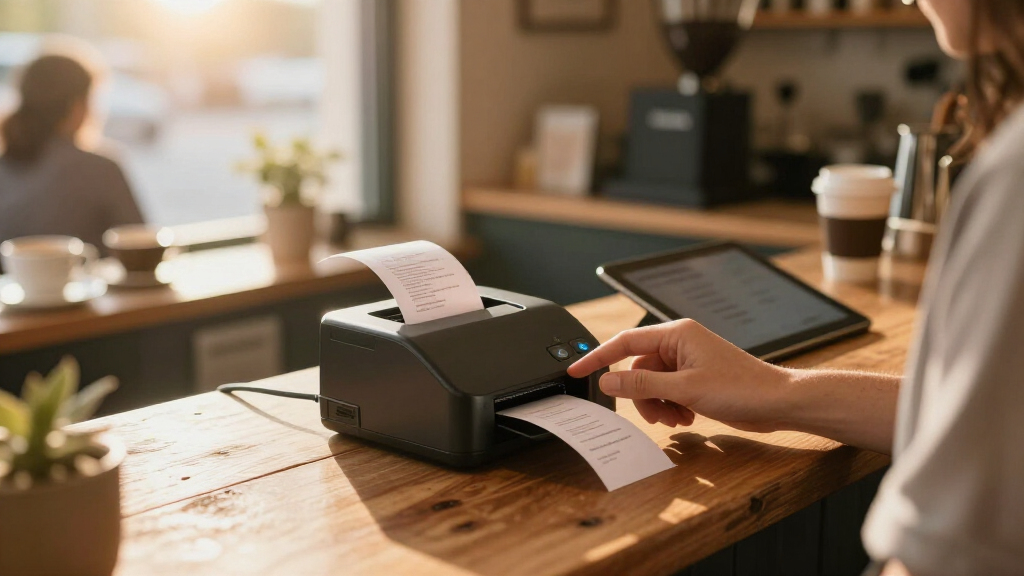
Our selection process focused on printers explicitly compatible with Square, prioritizing ease of integration, connectivity options, and printing performance. We looked at models suitable for retail and hospitality environments, emphasizing speed, durability, and user-friendliness. Devices with versatile interfaces—USB, Ethernet, Bluetooth—were preferred, as they offer flexible setups. We also considered energy efficiency, size, and warranty to identify options that balance performance and value for different types of businesses.
| receipt printers compatible with square | Connectivity | Auto Cutter |
|---|---|---|
| Epson TM-T20IV Thermal Receipt | USB, Ethernet, Serial | Yes |
| Star Micronics TSP143IIIU USB | — | — |
| Epson TM-T20III Monochrome The | USB | — |
| Vretti Thermal Receipt Printer | USB, serial, LAN | Partial, 1.5 million cuts |
| NETUM NT-861 Bluetooth Thermal | — | Yes |
Factors to Consider When Choosing Receipt Printers Compatible With Square
Choosing a receipt printer compatible with Square involves balancing your business needs—speed, connectivity, size, and durability. The right printer should integrate seamlessly with your existing setup, support your volume requirements, and match your preferred connection type. Understanding the differences between USB, Ethernet, Bluetooth, and multi-interface options will help you avoid bottlenecks and future-proof your investment.
Connectivity Options
Square compatibility spans a variety of connection types, but your setup should be tailored to your environment. USB printers are straightforward and typically the easiest to install, making them ideal for small, stationary setups. Ethernet or LAN options provide network flexibility, suitable for multiple stations or larger venues. Bluetooth printers excel in mobile or semi-mobile setups, offering wireless convenience at the expense of potential pairing issues. Multi-interface models give the most flexibility but may require more complex configuration. Consider your existing hardware and future needs when choosing the right connection type.
Speed and Volume
Printer speed, measured in mm/sec or receipts per minute, directly influences how quickly your customers are served. High-speed models like the Epson TM-T20IV can reduce wait times during busy periods, making them suitable for high-volume venues. For less busy environments, moderate speeds like the Epson TM-T20III still deliver reliable performance without overinvesting. Always match your volume expectations with a printer capable of handling peak loads without lag or paper jams.
Durability and Maintenance
Durability varies considerably. Models with auto-cutters rated for millions of cuts last longer and reduce downtime, especially in busy settings. Consider the cost and frequency of paper replacements—printers with larger paper rolls or higher auto-cutter ratings tend to be more cost-effective over time. Also, check warranties and the availability of replacement parts to ensure long-term reliability.
Size and Space
Counter space is limited in many businesses. Compact printers like the Star Micronics TSP143IIIU and Vretti model maximize space efficiency, while wall-hanging designs like the Vretti add versatility. Ensure your chosen printer fits comfortably into your checkout area without cluttering or obstructing workflow. Portability might also matter if you need to move the printer between locations.
Frequently Asked Questions
Are all receipt printers compatible with Square?
Most modern thermal receipt printers are compatible with Square, especially those supporting ESC/POS commands or having official integration guides. However, compatibility depends on the connection type and proper setup. USB models are typically plug-and-play, while network or Bluetooth printers may require additional configuration. Always check the manufacturer’s specifications and Square’s supported devices list before purchasing.
Is wireless connectivity necessary for a receipt printer with Square?
Wireless connectivity is not strictly necessary but can add convenience, especially for mobile or flexible setups. Bluetooth and Wi-Fi printers allow you to place the printer anywhere within range, reducing cable clutter. However, wired USB or Ethernet models tend to be more stable and easier to configure, making them better suited for fixed locations where stability is critical.
What is the ideal print speed for a busy retail environment?
In high-volume settings, a printer capable of speeds over 250 mm/sec or 40+ receipts per minute is recommended. The Epson TM-T20IV, with 310 mm/sec, can handle quick succession of transactions, minimizing customer wait times. For moderate volumes, models like the Epson TM-T20III or Vretti are sufficient, but always consider peak hours when choosing your printer to avoid bottlenecks.
Should I prioritize auto-cutting features?
Auto-cutters improve efficiency by automatically slicing receipts after printing, reducing manual effort and maintaining a clean checkout area. For busy environments, a cutter rated for millions of cuts can withstand constant use without failure. If your volume is low or occasional, a less durable cutter might suffice, but investing in a high-quality auto-cutter usually pays off in longevity and convenience.
Can I upgrade my printer’s connectivity later?
Upgrading connectivity options depends on the printer model. USB-only printers generally cannot add wireless or Ethernet features without replacing the device. Multi-interface models allow future flexibility, but if you start with a basic USB setup, you might need a new printer for expanded features. Consider your long-term needs and choose a model with the connectivity options you anticipate needing later.
Conclusion
For small businesses or startups prioritizing quick setup and simplicity, a USB-only printer like the Star Micronics TSP143IIIU makes sense. Retailers needing high-volume, durable solutions will benefit from the Epson TM-T20IV or TM-T20III, especially if wired connections are sufficient. Those seeking wireless flexibility should consider the NETUM NT-861, accepting some potential stability tradeoffs. Finally, venues with diverse connectivity needs and space constraints will find the Vretti model a versatile, space-efficient choice. Make your decision based on your business size, transaction volume, and preferred setup complexity.
Halloween Picks
halloween
As an affiliate, we earn on qualifying purchases.