
🔍 Read the full analysis: What The Signal Screenshot Block Means For AI Tools on ThorstenMeyerAI.com

Get business pricing on office and shipping supplies
- Business-only prices and quantity discounts
- Tax-exempt purchasing
- Multiple users, one account, clear invoices
TL;DR
Signal has added controls that block screenshots and recordings in its mobile app and limit some on-device AI assistants from reading chats. The protections differ between iPhone and Android, have gaps, and do not change Signal’s message encryption. Signal is asking Apple, Google and Microsoft for a documented way for apps to opt out of AI data access.
Signal has introduced mobile app settings that block screenshots and recordings and restrict some on-device AI assistants from reading what is displayed in its chats, a move aimed at limiting how operating-system agents can capture private messages. The controls, announced November 20, are available on supported iPhones and Android devices, but Signal says they do not cover every device or way of capturing information.
On iPhone, the setting called “Block Siri AI” is on by default in Signal 8.37 or later running on iOS 27 or later, according to Signal’s support page. When active, it blocks screenshots and screen recordings inside Signal, hides chats in the App Switcher and stops on-device AI assistants from reading the app’s screen. Users can set it to remain on, turn it off, or disable it for 10 minutes.
On Android, Signal 8.35.1 or later uses a setting called “Screen security.” Signal says it switches on automatically the first time an AI assistant tries to read the app’s screen, and displays a notice to the user. The setting also blocks screenshots and hides Signal content in the recent-apps list. If a user turns it off from the prompt, Signal says it will turn back on after 90 days; turning it off in settings does not trigger a reminder.
Signal’s support instructions say iPhone users can find the control at Settings → Privacy → Block Siri AI. On Android, it is under Settings → Privacy → App security → Screen security. Signal says disabling the controls may expose a user’s chats, including messages sent by contacts, to AI assistants that can inspect the screen.
The Limits of Screen-Level Privacy
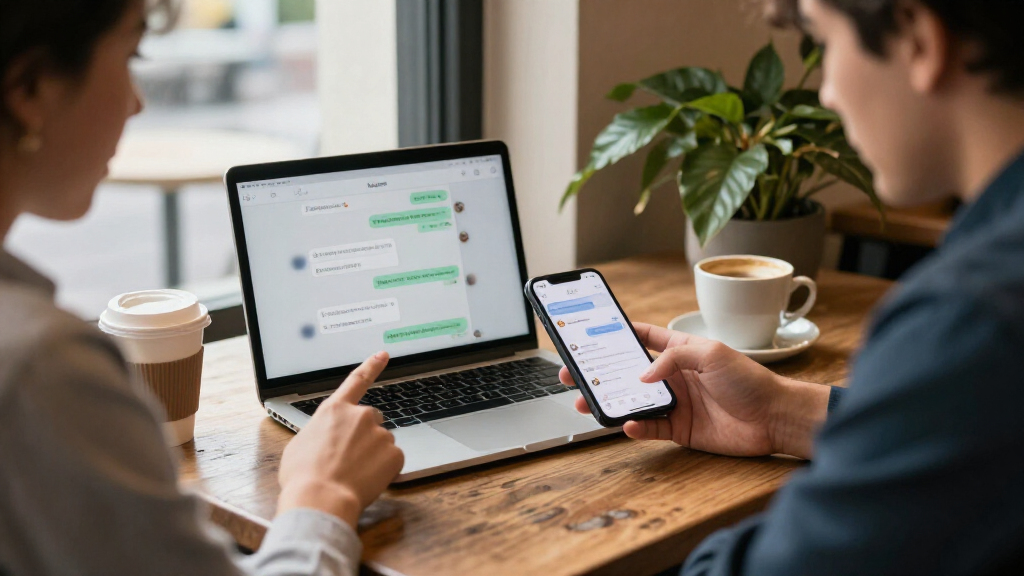
The change addresses a gap between encrypted messages in transit and content displayed on a device. Signal says encryption protects messages as they travel between phones, but cannot control what happens after a message appears on screen and is captured by another tool. It warns that captured material could be stored in a local database or sent to a remote server used by an assistant; this is Signal’s description of the risk, not evidence that every assistant stores Signal chats in that way.
For users, the settings add a choice between allowing normal screen capture and limiting it, with possible effects on functions such as taking screenshots. For companies building or deploying AI agents, the move signals that apps may put technical barriers in front of agents that use screen reading to understand or act on content. Such barriers could affect agent workflows even when the user has authorized an assistant to operate on the device.
The controls also matter to people who rely on accessibility tools or other software that reads screens. The source material does not describe testing or compatibility findings for those tools, so it is not clear which products might be affected. Users should distinguish the new screen protections from end-to-end encryption: Signal says the settings change screen capture and on-device scanning, not how messages are encrypted or who can access them through Signal.
Products Worth Considering

Brother HL-L3280CDW Wireless Color Laser Printer

FLEXISPOT E6 MAX Dual-Motor Electric Standing Desk, 55 x 28 in, Walnut Top, Black Frame

Logitech MX Keys S Combo Wireless Keyboard and Mouse, Graphite
As an affiliate, we earn on qualifying purchases.
Signal’s Earlier Recall Protections
This is not Signal’s first effort to restrict screen capture. On May 21, 2025, the service enabled a Screen Security setting by default in Signal Desktop on Windows 11 to prevent Microsoft’s Recall feature from capturing chats. Signal’s account says Recall takes screenshots every few seconds, uses optical character recognition to extract text and stores the results in a searchable on-device database.
The current controls target mobile assistants. Apple released its Siri AI on September 14, 2026, describing it as having “onscreen awareness” that can answer questions or take actions related to screen content. Google announced Gemini Intelligence for Android on May 12, 2026, saying app automation could use screen or image context. Those companies’ descriptions establish the relevant screen-reading capabilities; they do not by themselves show that either assistant has retained or transmitted Signal messages.
Signal president Meredith Whittaker said the newer agents pose a serious risk to the service’s privacy mission, while also describing Signal’s fix as incomplete. Signal is asking Apple, Google and Microsoft for a simple, documented way for apps to opt out of AI data access, according to the source material.
““profoundly more capable and conversational assistant””
— Apple, describing Siri AI at its September 2026 release
Where the Protections Stop
Signal says it cannot reliably block screenshots on Mac computers. The described protections also do not cover notifications and files, the device of the person receiving a message, or Android devices where Signal cannot detect the assistant. The source material does not specify every assistant or operating-system configuration covered by the detection mechanisms.
It is also unclear how the controls work with particular accessibility services and other screen-reading software, or how often a user will encounter blocked screenshots in everyday use. The available information describes Signal’s intended protections and settings; it does not provide independent tests of how well they prevent all forms of capture. Signal’s warnings about possible storage or transmission by AI assistants are not proof that a particular provider has collected Signal content.
A Request for Platform Controls
Signal says it is asking Apple, Google and Microsoft to provide a documented opt-out mechanism that would let apps refuse AI access to their data. The source material gives no timetable for a response or for any platform-level change.
In the meantime, users can check their Signal version and device settings, keep the protections on if they do not want screenshots or detected assistants to access Signal’s screen, and review Signal’s prompts before switching the feature off. Further details may clarify which devices and assistants are detected, how accessibility tools are handled, and whether operating-system providers will offer a standard app-level control.
Key Questions
Does Signal’s new setting change message encryption?
No. Signal says the controls affect screen capture and on-device scanning, not message encryption or who can see messages through Signal.
How does the protection differ between iPhone and Android?
On supported iPhones, Block Siri AI is on by default and includes an option to turn protection off for 10 minutes. On supported Android devices, Screen security switches on when Signal detects an AI assistant trying to read the screen.
Can users still take screenshots in Signal?
Not while the relevant screen protection is on. Signal provides settings to turn it off, but warns that doing so may let AI assistants access chats displayed on the screen.
Does the feature work on Mac?
Signal says it cannot reliably block screenshots on macOS, so the new mobile protections do not provide the same screen-capture restriction on Mac.
Does Signal’s change prove AI companies have stored users’ messages?
No. Signal describes a risk that screen data captured by an assistant could be stored locally or remotely. The source material does not establish that a particular AI provider has captured or retained Signal messages through these features.
Source: ThorstenMeyerAI.com